

Try it in your pool for 30 days. Exchange it for another Dolphin for free, or return it with no restocking fee.
Your bag is empty.
By feature
Top pick: Dolphin Sigma
$2349 today · Free shipping · 30 day trial
The short answer
A repeat timer cleans every so many days, a schedule cleans on the days and hours you choose, and that difference decides which robot you need.
The Dolphin Sigma leads: its app schedules cleaning by day and time over Wi-Fi and Bluetooth. The Dolphin Quantum is the lower-priced route, with app scheduling over Wi-Fi plus a three-preset timer on the power supply. The Dolphin Premier repeats on presets and has no app. The Dolphin Escape needs its optional Automation Timer to run on its own.
The best robotic pool cleaner with automatic scheduling is the one that runs at the hour your pool is ready for it. That sounds fussy until you own a pool with a service visit on Thursdays, a pump on a time clock and kids who swim every afternoon.
There are two kinds of automation in this guide. An interval timer repeats every day, every 2 days or every 3 days. A scheduler lets you name the days and the start time. Both keep the pool clean without anyone remembering. Only the second lets you plan around the rest of the pool's week.
Our picks, in order
Temporarily out of stock
Schedules by day and by hour
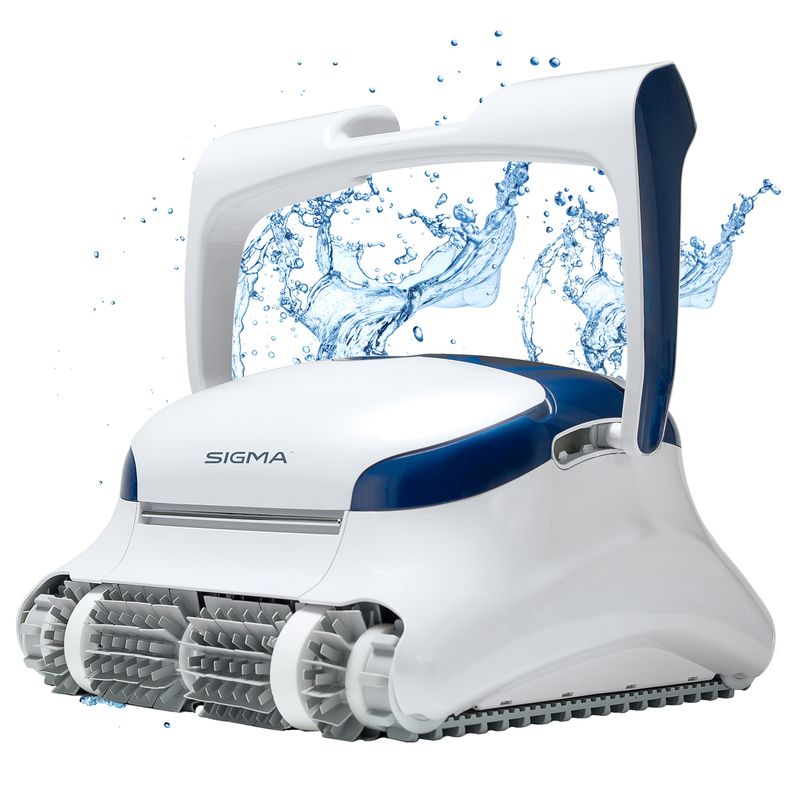
The Sigma has the most complete scheduler here: a weekly plan by day and time, set in the myDolphin Plus app over Wi-Fi and Bluetooth. Skip Thursday for the pool service, run at dawn on the other days, and the same pattern repeats every week without drifting.
The app also closes the loop that scheduling opens. A robot that runs unseen needs to tell you when its filter is full, and the Sigma sends a filter alert. Underneath is the most hardware in the guide: three ProLine motors, four brushes and gyroscope navigation, cleaning floor, walls and waterline in 2.5 hours.
Temporarily out of stock
App scheduling for less, with a backup button
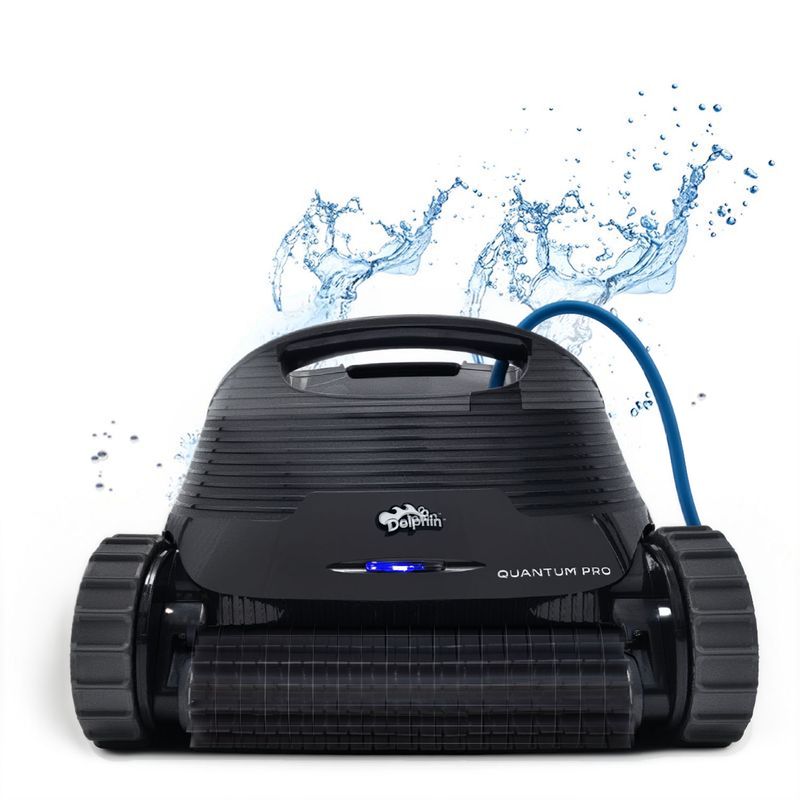
The Quantum is the least robot that gives you scheduling from a phone. The myDolphin Plus app connects over Wi-Fi and handles start, stop, scheduling, cleaning modes and alerts. On the power supply there is also a weekly timer with presets for every day, every 2 days or every 3 days, which keeps working if the phone is lost or the router is replaced.
That pairing is why it ranks above the Premier here. It costs less than any other 50 ft robot in this guide, and no basket here is bigger than its XXL MaxBin, a real help when cycles run unwatched.
Temporarily out of stock
Automatic by interval, nothing to pair
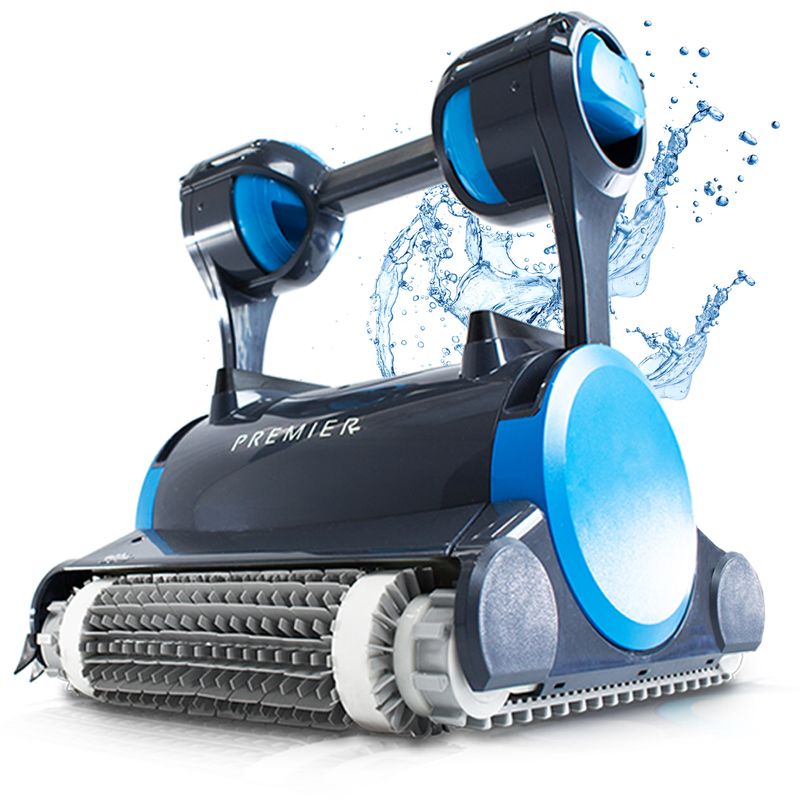
The Premier automates the simple way. A weekly timer on the power supply repeats the cycle every day, every 2 days or every 3 days. There is nothing to pair and nothing to update, and for many pools that is all the scheduling required.
What it cannot do is hold a weekday or be changed from indoors, which is why it is third on a page about scheduling. As a cleaner it gives nothing away: a 3-hour cycle over floor, walls and waterline, 4,500 GPH from dual ProLine motors, Multi-Media filtration, a full-filter indicator on the power supply and a 3-year warranty.

Temporarily out of stock
Manual start, repeat timer as an upgrade
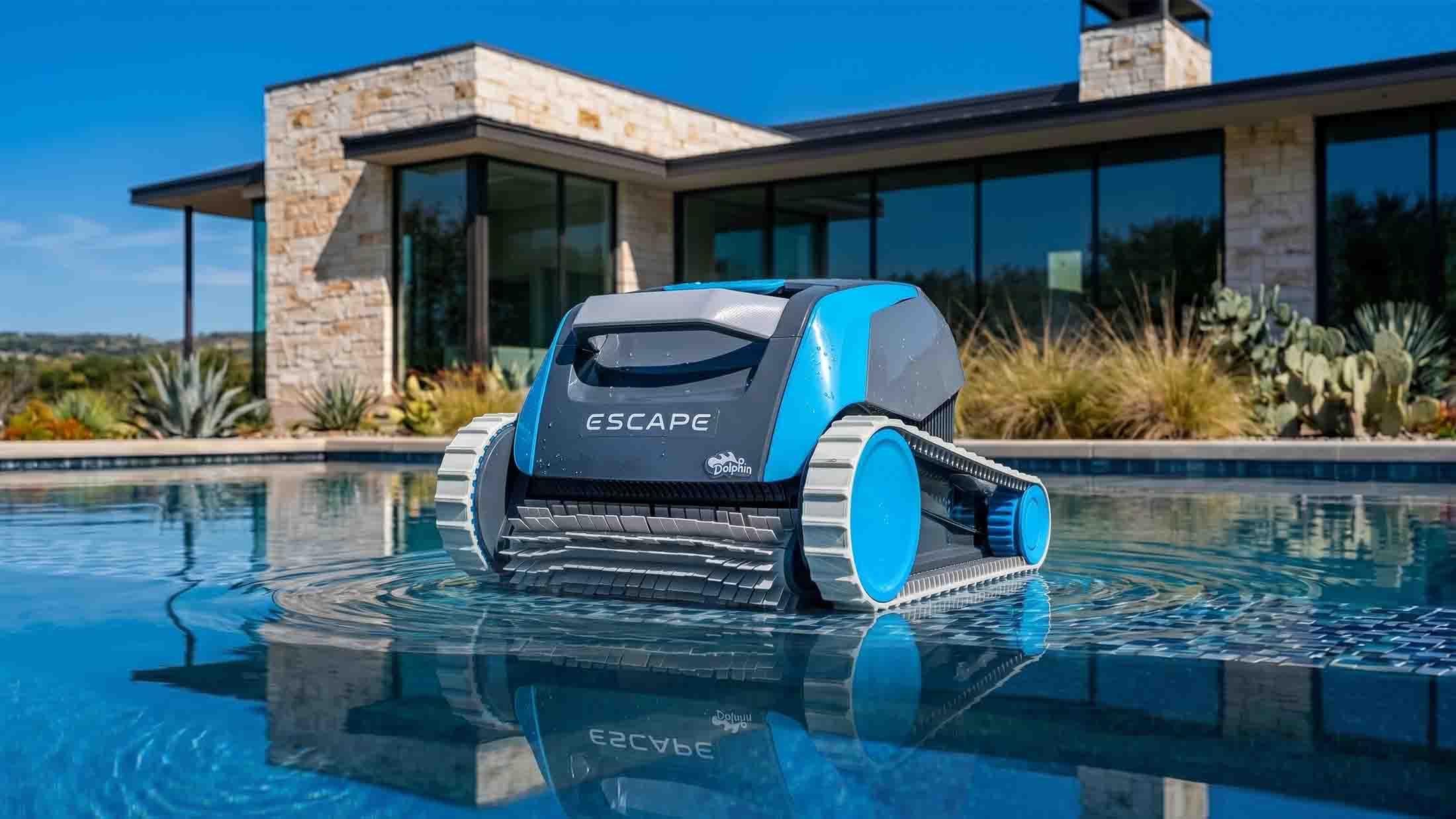
The Escape is here with a plain label on it: no timer as standard and no app. You press start and it runs a 1.5-hour cycle over the floor and walls. Automation comes from the optional Automation Timer power supply, which repeats the cycle every 24, 48 or 72 hours.
That is interval automation, not day-and-time scheduling. It earns the fourth spot because it is the only pick rated for above-ground pools, up to 33 ft, and because a short cycle in a small pool rarely needs clever timing. Start it after the last swim of the evening and the job is done by bedtime.
How to judge a robot for this
If a service company brushes and doses the pool on a fixed day, you want the robot out of the water for that visit and running again the next morning. A day-and-time schedule holds to weekdays. An interval timer drifts through the week and lands on service day sooner or later.
Overnight is when the pool is empty and, with the pump off, when fine debris has settled to the floor where a robot can collect it. Choosing a start time lets you use that window instead of whatever hour you happened to press the button.
A robot runs on its own power and does not need the pump. It tends to pick up more when the water is still. If your pump follows a time clock or a variable-speed program, a schedule lets you place the robot's cycle in the quiet part.
App scheduling is only as dependable as the person and the signal behind it. Wi-Fi has to reach the power supply, and someone has to keep the app set up. A button on the power supply asks for neither.
Side by side
| Specification | Dolphin Sigma | Dolphin Quantum | Dolphin Premier | Dolphin Escape |
|---|---|---|---|---|
| Price today | $2349 | $1599 | $1949 | $659 |
| Cleans | Floor, walls and waterline | Floor, walls, waterline, sun shelves and stairs | Floor, walls and waterline | Floor and walls |
| Scheduling | Weekly scheduler by day and time | Weekly timer: every day, every 2 days or every 3 days | Weekly timer: every day, every 2 days or every 3 days | Optional Automation Timer: every 24, 48 or 72 hours |
| App | myDolphin Plus (Wi-Fi and Bluetooth) | myDolphin Plus (Wi-Fi) | No app; controls on the power supply | No app |
| Filtration | NanoFilters and standard filter cartridges | XXL MaxBin basket with standard and NanoFilter panels | Multi-Media: NanoFilters, oversized leaf bag and standard fine filters | MaxBin basket; NanoFilter panels optional |
| Brushes | Quad scrubbing brushes | Dual HyperBrush | Dual scrubbing brushes | HyperBrush |
| Navigation | SmartNav 3.0 with gyroscope | SmartNav 2.0 | SmartNav 2.0 | SmartNav 2.0 |
| Cable | 55 ft with 360° anti-tangle swivel | 55 ft with anti-tangle swivel | 55 ft with 360° anti-tangle swivel | 40 ft |
| Warranty | 3 years | 2 years | 3 years | 2 years |
A week has seven days, and neither two nor three divides into it. So an interval timer never lands on the same weekdays two weeks running. Start a preset on a Monday and the table below shows where it goes.
For most owners that drift is harmless. It becomes a nuisance when something else in the pool's week is fixed: the service visit, the day you shock, the Saturday the family is always in the water. A scheduler set by day and time stays put. The every-day setting does too, since it never skips.
| Setting | Week one | Week two |
|---|---|---|
| Every day | All seven days | All seven days |
| Every 2 days | Mon, Wed, Fri, Sun | Tue, Thu, Sat |
| Every 3 days | Mon, Thu, Sun | Wed, Sat |
| Chosen days in an app | The days you picked | The same days again |
Most pools are fine with any routine that happens often enough. These are the situations where choosing the hour changes the result.
The app talks to the power supply, not to the robot under water. So the first check is signal: stand where the power supply will sit, back from the water by the distance in the manual, and see whether your phone holds the home Wi-Fi there.
If it does not, the 55 ft cable on the Sigma and Quantum gives some freedom to place the power supply nearer the house, and a Wi-Fi extender by the back door often covers the gap. The Sigma also connects over Bluetooth while you stand at the pool.
Questions, answered
A timer repeats at a fixed interval: every day, every 2 days or every 3 days on the Premier and Quantum. A schedule names the days and the start time, which is what the Sigma's app does. Timers are simpler and need no phone. Schedules hold to the same weekdays and let you choose the hour.
Either works, because the robot has its own motors and filter and does not depend on the pump. Off is usually better. With the pump off, suspended debris settles to the floor where the robot collects it, and no return jets nudge the robot or its cable.
With the Sigma, yes: choose the days in the app and leave that one out. The Quantum's app handles scheduling too. An interval preset cannot skip a named weekday, because it counts days, so on the Premier you would lift the robot out for the visit and let the timer carry on afterward.
Not with day-and-time scheduling. The Sigma and Quantum, the two robots here with app scheduling, are built for in-ground pools. In an above-ground pool, the Escape with the optional Automation Timer power supply repeats its cycle every 24, 48 or 72 hours. That is automatic cleaning by interval, and for most above-ground pools it is enough.
The verdict
If the days and the hour matter, buy the Sigma, or the Quantum if you want the same idea for less. If only the routine matters, the Premier's presets do it with no phone. If the pool is above-ground, or small enough to clean in an evening, the Escape and its optional Automation Timer are the least you can spend and still have the pool cleaned without being asked.
Keep reading
