

Try it in your pool for 30 days. Exchange it for another Dolphin for free, or return it with no restocking fee.
Your bag is empty.
By feature
Top pick: Dolphin Premier
$1949 today · Free shipping · 30 day trial
The short answer
A weekly timer starts the robot whether or not anyone remembers, but the timers here work in different ways, and one of them is an optional extra.
The Dolphin Premier is the simplest set-and-forget: a timer on the power supply with three presets, every day, every 2 days or every 3 days, and no phone. The Dolphin Sigma schedules by day and time in an app. The Dolphin Quantum has both a preset timer and app scheduling. The Dolphin Escape has no timer as standard; an optional Automation Timer power supply adds one.
A robotic pool cleaner with a weekly timer cleans on a routine you set once. Press the button, leave the robot in the water, and it starts its own cycles through the week. For a busy household that is the difference between a robot that gets used and one that sits in the garage.
The catch is that a weekly timer means different things on different robots. Two of our picks repeat at a fixed interval from a button on the power supply. One schedules by day and time in an app. One has no timer in the box and offers it as an upgrade. This page sorts out which is which, so you pay for the timer you will actually use.
Our picks, in order
Temporarily out of stock
Simplest set-and-forget timer
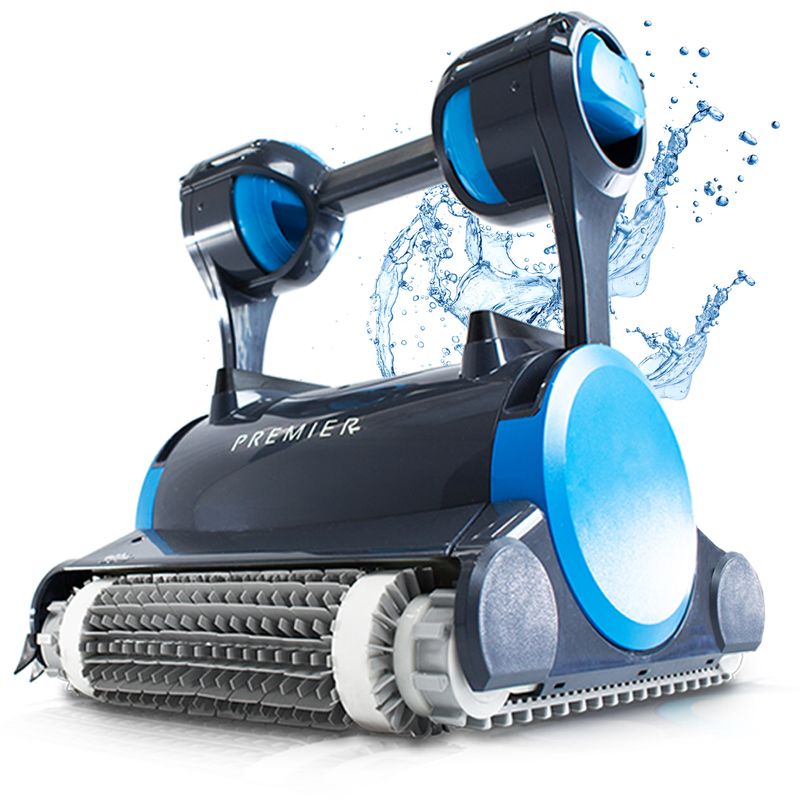
The Premier's weekly timer is a button on the power supply. Choose every day, every 2 days or every 3 days, and that is the whole set-up, with no phone to pair. For a timer you never want to think about again, nothing here is simpler.
The rest of the robot suits being left to run. A 3-hour cycle covers floor, walls and waterline in pools up to 50 ft. Fit the oversized leaf bag when cycles will stack up between visits, and a full-filter indicator on the power supply shows when to empty it. The warranty is 3 years.
Temporarily out of stock
Pick your days and start times
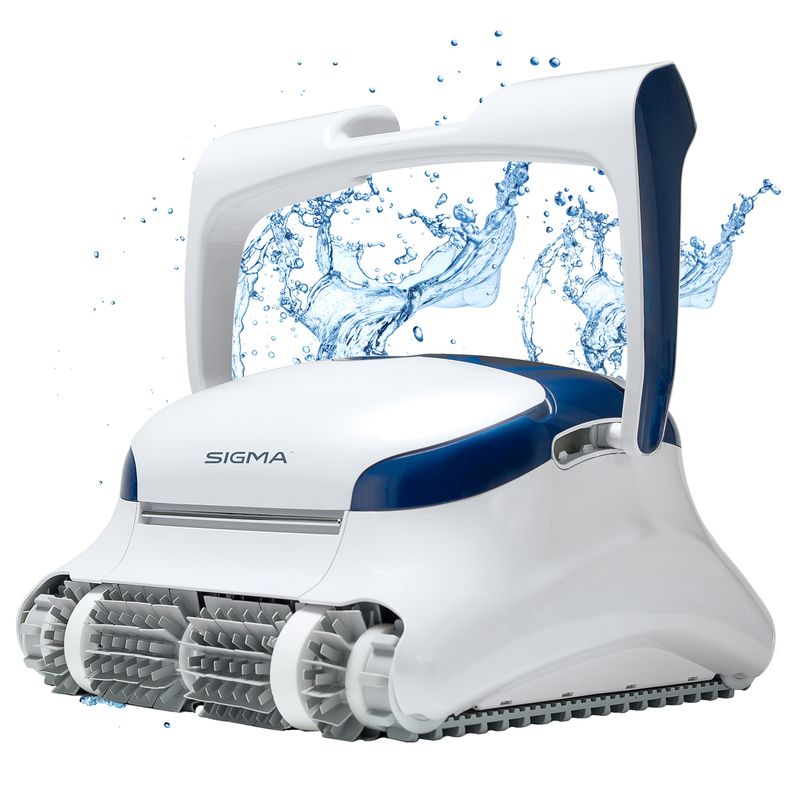
The Sigma replaces the interval button with a weekly scheduler in the myDolphin Plus app, set by day and time over Wi-Fi and Bluetooth. That is the most precise timer on this page: Monday, Wednesday and Saturday at six in the morning, if that suits the pool.
It also covers the weak point of every timed robot: the app tells you when the cartridges are due a rinse. Three ProLine motors, four brushes and a 2.5-hour cycle clean floor, walls and waterline. It is second for two reasons: the highest price in the guide, and a timer that needs a phone to set.
Temporarily out of stock
Button timer and app, both
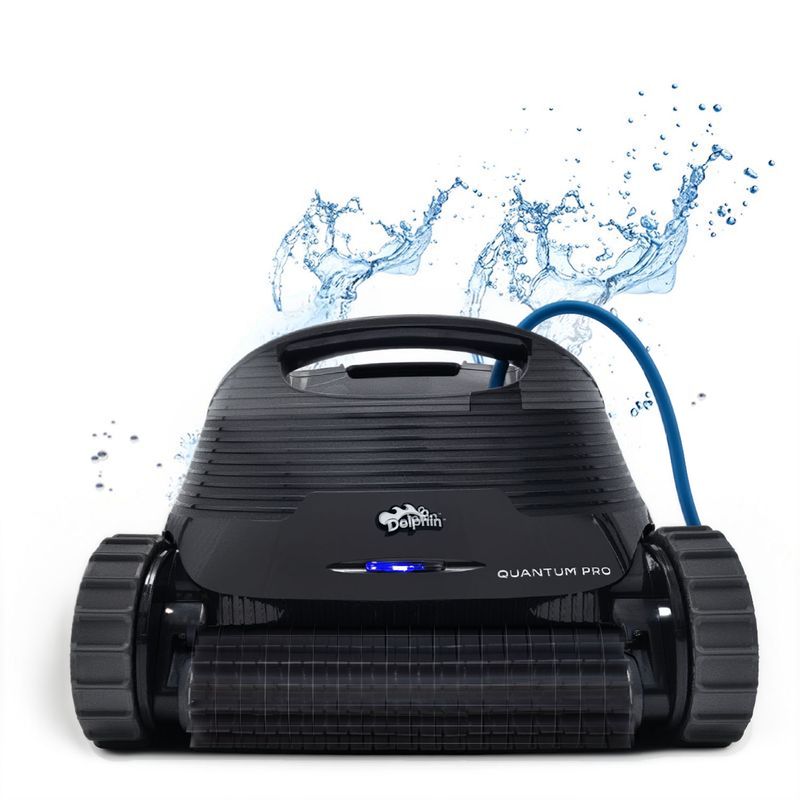
The Quantum gives you the choice. Its power supply carries a weekly timer with three presets: every day, every 2 days or every 3 days, with no phone needed. It also schedules through the myDolphin Plus app over Wi-Fi if you want to change the routine from the house.
It is the lowest-priced 50 ft robot in this guide, and its XXL MaxBin, with over 400 square inches of filter area, is the largest basket of the five Dolphins compared here, so it can take more timed cycles before it needs emptying. It sits third because its cycle, at 2 hours, is shorter than the other in-ground picks run.

Temporarily out of stock
Timer as an add-on, above-ground ready
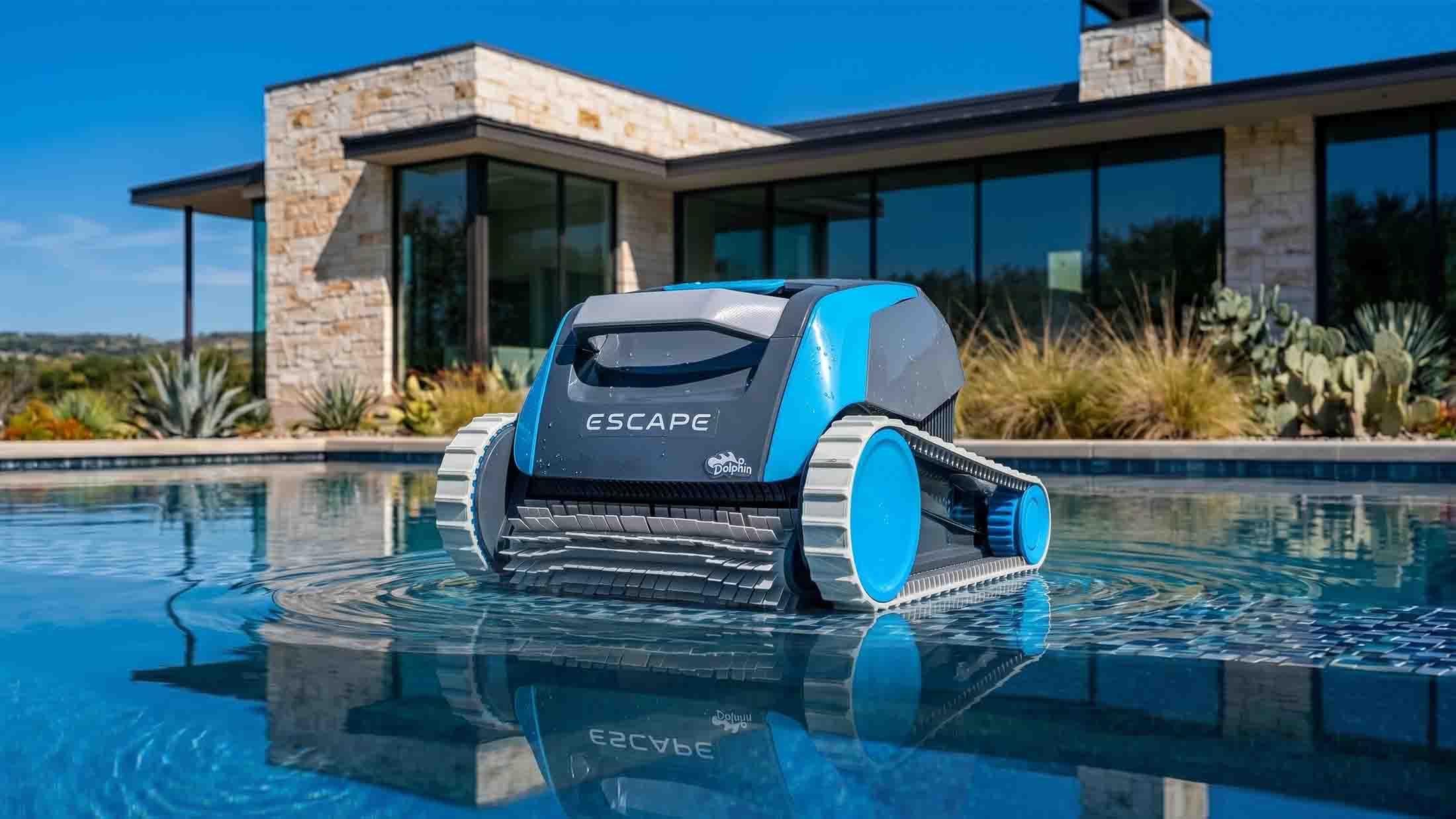
Be clear on this one: the Escape has no timer as standard. You start each 1.5-hour cycle at the power supply. What makes it a pick is the optional Automation Timer power supply, which runs the robot every 24, 48 or 72 hours.
If you own an above-ground pool, this is the only pick on the page built for it, up to 33 ft. Add the Automation Timer's price to the price on the Escape's card before you compare. The robot is the lightest in this guide at 14.2 lb, with a top-load MaxBin that is quick to empty when you check on it.
How to judge a robot for this
A timer on the power supply is one button and works with no phone, no account and no signal. An app scheduler gives finer control but depends on a phone and a connection at the pool.
Three presets cover most pools: every day in leaf season, every 2 days in a normal week, every 3 days when the pool is covered or quiet. A single daily setting is fine only if daily is what you want all year.
A timer runs the robot whether the filter is clean or packed. The more cycles between your visits, the more basket or bag you need. Capacity, and whether anything warns you when it is full, matter more on a timed robot than on one you start by hand.
The timer lives in the power supply, so the power supply has to stay plugged in and powered all week. An outlet that goes off with the patio lights, or is wired to the pump's time clock, will stop the robot from starting on schedule.
Side by side
| Specification | Dolphin Premier | Dolphin Sigma | Dolphin Quantum | Dolphin Escape |
|---|---|---|---|---|
| Price today | $1949 | $2349 | $1599 | $659 |
| Cleans | Floor, walls and waterline | Floor, walls and waterline | Floor, walls, waterline, sun shelves and stairs | Floor and walls |
| Scheduling | Weekly timer: every day, every 2 days or every 3 days | Weekly scheduler by day and time | Weekly timer: every day, every 2 days or every 3 days | Optional Automation Timer: every 24, 48 or 72 hours |
| App | No app; controls on the power supply | myDolphin Plus (Wi-Fi and Bluetooth) | myDolphin Plus (Wi-Fi) | No app |
| Filtration | Multi-Media: NanoFilters, oversized leaf bag and standard fine filters | NanoFilters and standard filter cartridges | XXL MaxBin basket with standard and NanoFilter panels | MaxBin basket; NanoFilter panels optional |
| Brushes | Dual scrubbing brushes | Quad scrubbing brushes | Dual HyperBrush | HyperBrush |
| Navigation | SmartNav 2.0 | SmartNav 3.0 with gyroscope | SmartNav 2.0 | SmartNav 2.0 |
| Cable | 55 ft with 360° anti-tangle swivel | 55 ft with 360° anti-tangle swivel | 55 ft with anti-tangle swivel | 40 ft |
| Warranty | 3 years | 3 years | 2 years | 2 years |
Here is the same week on each robot. The interval timers count days, so a setting of every 2 days gives three or four cycles in a week and every 3 days gives two or three. Over a month that is roughly thirty, fifteen or ten cycles, a useful way to think about filter emptying and wear.
The Sigma is the exception. Its schedule is a calendar, so the same days repeat every week. The Cayman is shown for comparison only: it is not one of the four picks.
| Robot | Where the timer is | Choices | Phone needed |
|---|---|---|---|
| Dolphin Premier | Power supply | Every day, every 2 days or every 3 days | No |
| Dolphin Sigma | myDolphin Plus app | Chosen days and start times | Yes |
| Dolphin Quantum | Power supply, plus the app | Every day, every 2 days or every 3 days, or an app schedule | Only for the app |
| Dolphin Escape | Optional Automation Timer power supply | Every 24, 48 or 72 hours | No |
| Dolphin Cayman | Power supply | Every day only | No |
Start with how fast your pool gets dirty, then change the setting with the season. What suits July is too little in October.
A timer starts cycles. It does not finish the job around them. Robots with a timer are made to stay in the water between scheduled cycles, but someone still has to lift the robot out and rinse the filter at least weekly, and more often in leaf season. Four cycles on a full filter is not four cleanings.
Before you shock the pool or add chemicals, take the robot out. If the pool will sit unused for a long stretch, store the robot dry and out of direct sun instead of leaving the timer running.
Questions, answered
Not on the Premier or the Quantum. Their timers are buttons on the power supply and need no phone and no Wi-Fi. The Escape's optional Automation Timer and the Cayman's daily timer work the same way. Only the Sigma's weekly scheduler is set in an app.
On the interval timers, the routine generally counts from when you switch the timer on, so set it at the hour you want the robot to run and confirm the detail in your manual. If you need to name the hour and the days exactly, that is what the Sigma's day-and-time scheduler is for.
Every warranty on this page, the Escape's 2 years of cover among them, is described as not prorated and not limited by cycle count, so a daily schedule does not shorten it. Brushes, tracks and filter media are wear parts on any robot and will need replacing sooner on a machine that runs seven days a week.
If you start the robot yourself two or three times a week without thinking about it, no: save the money. If cycles get skipped because nobody remembers, yes. The optional Automation Timer power supply repeats the cycle every 24, 48 or 72 hours and turns a manual robot into a routine.
The verdict
Match the timer to how much you want to think about it. One button and no phone: the Premier. Named days and hours: the Sigma. Both options in one robot at a lower price: the Quantum. An above-ground pool, or the lowest total cost: the Escape with the optional Automation Timer. Whatever you choose, book a weekly appointment with the filter. No timer has ever emptied one.
Keep reading
