

Try it in your pool for 30 days. Exchange it for another Dolphin for free, or return it with no restocking fee.
Your bag is empty.
By feature
Top pick: Dolphin Sigma
$2349 today · Free shipping · 30 day trial
The short answer
None of these robots comes with a handheld remote. Remote control now means a phone app, and two Dolphins in this guide have one. Here is what the app can and cannot do.
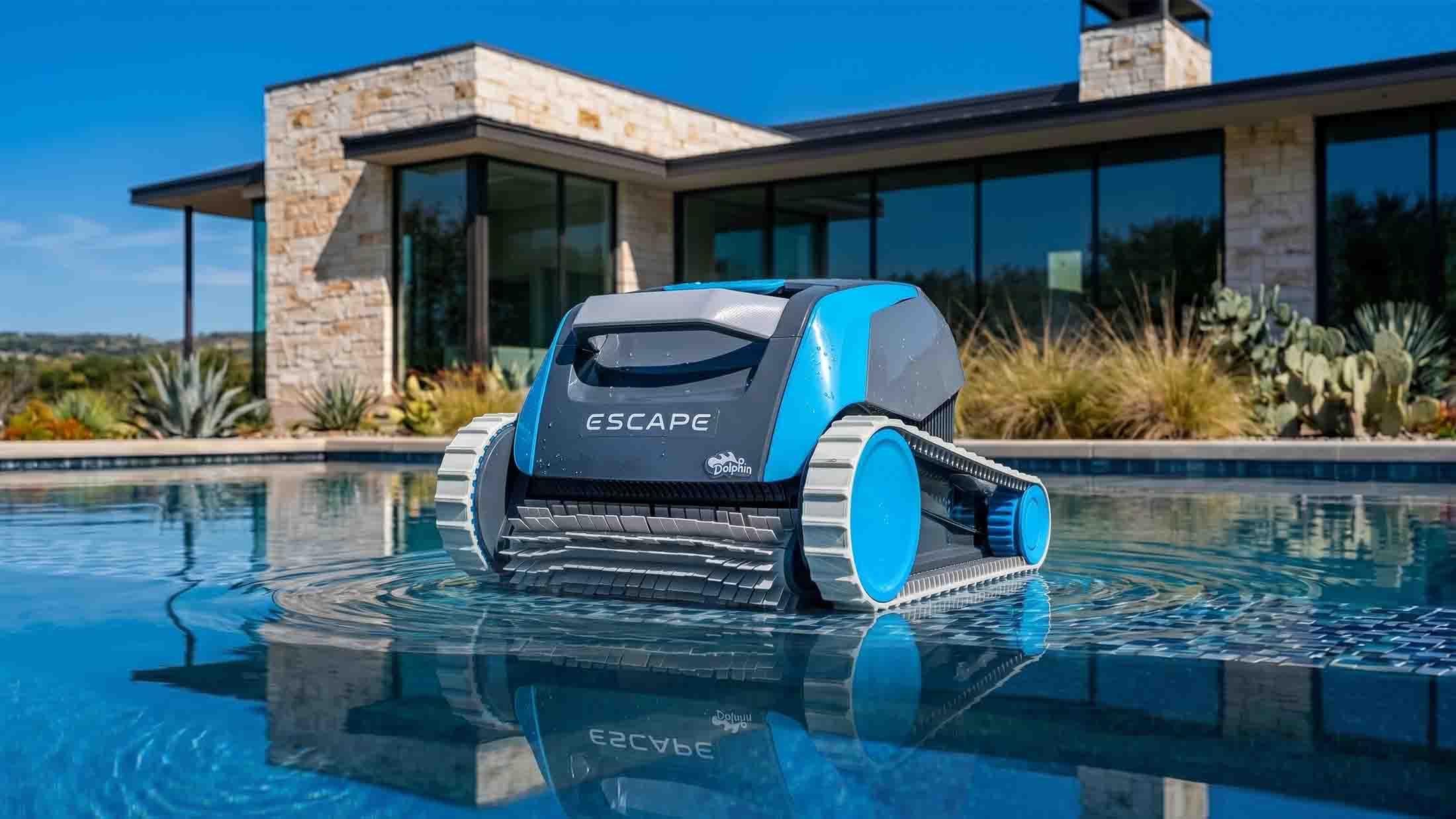
No robot here includes a handheld remote. For remote control by phone, the Dolphin Sigma is the pick: the myDolphin Plus app over Wi-Fi and Bluetooth, a weekly scheduler by day and time, and Siri voice control. The Dolphin Quantum gives you app start, stop, scheduling, cleaning modes and alerts over Wi-Fi for much less. Both are in-ground robots. The Escape is run from its power supply.
Years ago, some pool robots shipped with a small handheld remote for steering. Shoppers still search for one. Today the remote has moved into the phone: an app that starts and stops the robot, sets its schedule and tells you when the filter needs attention. So when you look for the best robotic pool cleaner with remote control, you are really choosing between robots with an app and robots without.
Of the five Dolphins in this guide, two have an app: the Sigma and the Quantum. The other three, our own Escape among them, are run from buttons on the power supply. We will be straight about one more thing. Neither app is something we will describe as a joystick. If driving the robot around by hand is what you picture, read the section on what the phone can and cannot do before you spend.
Our picks, in order
Temporarily out of stock
Fullest remote control: app plus voice
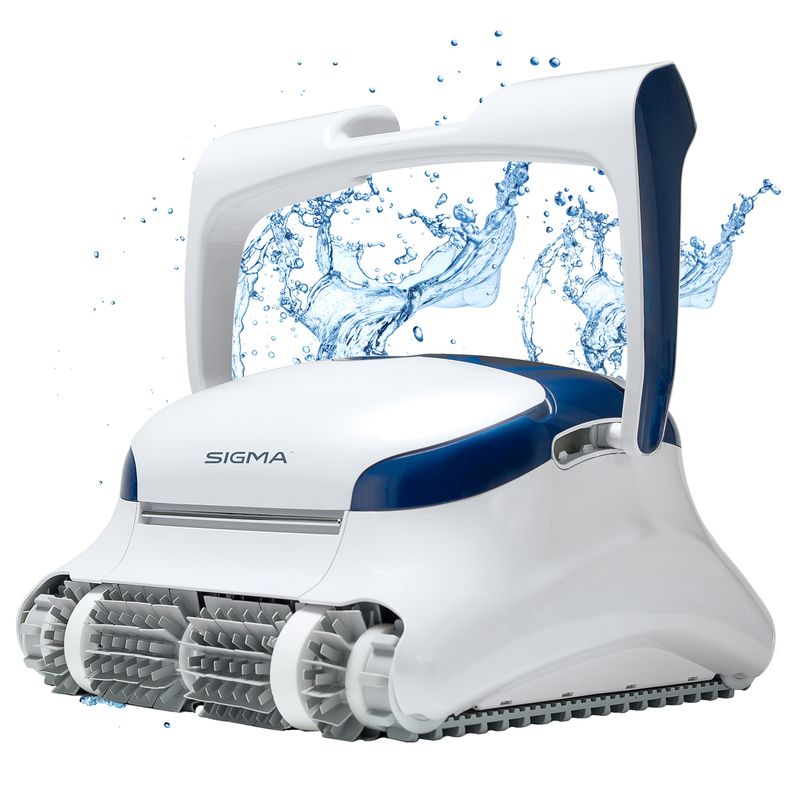
The Sigma offers the fullest remote control of the five Dolphins compared here. Its myDolphin Plus app connects over both Wi-Fi and Bluetooth. The weekly scheduler works by day and time, which is finer than the three fixed intervals of a power-supply timer. A filter alert in the app tells you when to empty it, and Siri voice control starts a cycle without opening the app.
The robot behind the app sits at the top of this guide: SmartNav 3.0 with an onboard gyroscope, quad scrubbing brushes and three ProLine motors at 4,500 GPH, cleaning floor, walls and waterline in in-ground pools up to 50 ft, with a 3-year warranty.
Temporarily out of stock
Phone control at the lowest price here
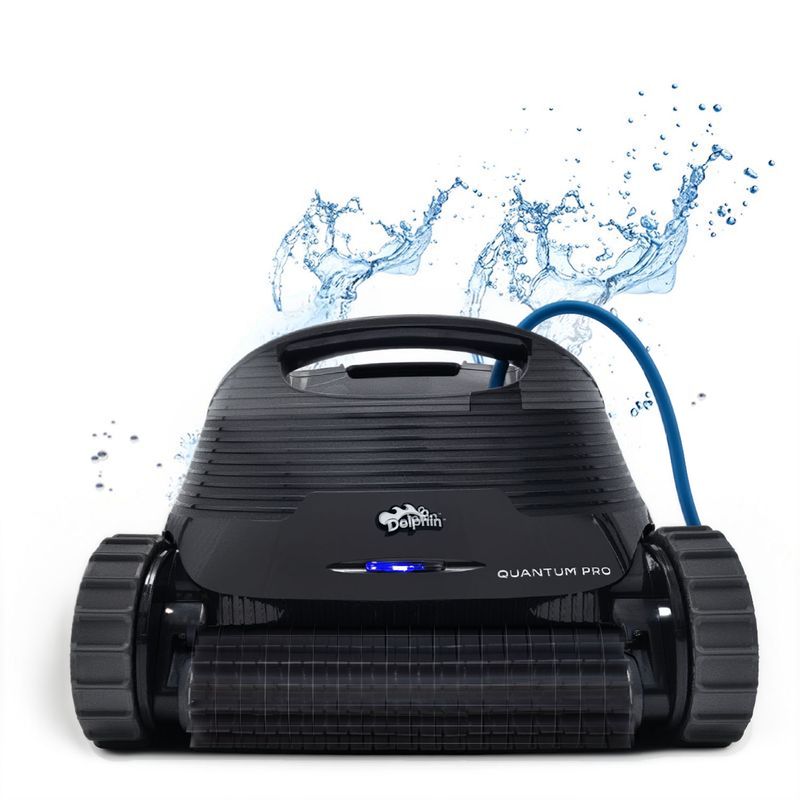
The Quantum is the least robot in this guide that you can run from a phone. The myDolphin Plus app connects over Wi-Fi and covers the functions that matter: start, stop, schedule, choose a cleaning mode and receive alerts. That is remote control in the everyday sense.
It also has a fallback the phone cannot break. A weekly timer on the power supply runs it every day, every 2 days or every 3 days with no network, so a router change or a dead phone does not stop the cleaning. The robot covers floor, walls, waterline, sun shelves, Baja ledges and stairs in 2 hours, and among the 50 ft robots in this guide it is the one that costs least.
How to judge a robot for this
Start, stop and schedule are the functions you will use. The Quantum's app adds a choice of cleaning modes and alerts. The Sigma's adds a weekly scheduler by day and time, a filter alert and Siri voice control. Compare the lists, not the word remote.
The Sigma connects over Wi-Fi and Bluetooth. The Quantum connects over Wi-Fi. Either way, check that your home network reaches the spot by the pool where the power supply will sit. A weak signal at the far end of the yard is a common source of app frustration.
A robot should still work when the phone is inside or the network is down. The Quantum has a weekly timer on its power supply that runs with no phone at all. Know what your robot does unaided before you depend on a screen.
Much of what people want from a remote is not having to walk out and press start. A timer does that. If hands-off starts are the goal, an app is one way to get them, and not the lowest-priced way.
Side by side
| Specification | Dolphin Sigma | Dolphin Quantum |
|---|---|---|
| Price today | $2349 | $1599 |
| Cleans | Floor, walls and waterline | Floor, walls, waterline, sun shelves and stairs |
| Scheduling | Weekly scheduler by day and time | Weekly timer: every day, every 2 days or every 3 days |
| App | myDolphin Plus (Wi-Fi and Bluetooth) | myDolphin Plus (Wi-Fi) |
| Filtration | NanoFilters and standard filter cartridges | XXL MaxBin basket with standard and NanoFilter panels |
| Brushes | Quad scrubbing brushes | Dual HyperBrush |
| Navigation | SmartNav 3.0 with gyroscope | SmartNav 2.0 |
| Cable | 55 ft with 360° anti-tangle swivel | 55 ft with anti-tangle swivel |
| Warranty | 3 years | 2 years |
With the Sigma or the Quantum, the phone replaces the walk to the power supply. You can start a cycle from the kitchen, stop one when guests arrive and set the week's schedule once. The Quantum's app lets you choose a cleaning mode and sends alerts. The Sigma's sends a filter alert and takes Siri voice commands.
Now the limits. We do not claim manual steering for either robot. If you want to park a robot over one dirty patch and drive it like a toy car, do not buy on the assumption that these will do it. Steering by hand is a feature people ask about more than they use. Its real job is spot-cleaning one area, and a normal cycle covers that area anyway. The app also cannot lift the robot out, empty the filter or untangle a cable.
Ask what you want the remote for. If the answer is that the pool should get cleaned without you remembering, a schedule does it, and several robots here schedule without a phone. An app earns its price when you want to change plans from the couch: an extra cycle after a storm, a skipped one before a party.
App control is only as good as the signal at the pool. Before you order, stand where the power supply will sit, near the outlet and back from the water, and look at your phone. If the home network is weak there, the app may be slow to respond or drop its connection.
The fixes are ordinary: move the router, add a mesh point on that side of the house or choose a different outlet. The Sigma also connects over Bluetooth. And keep the fallback in mind. The Quantum's power-supply timer keeps the pool on schedule even when the network is down.
Questions, answered
No Dolphin in this guide ships with a handheld remote. A robotic pool cleaner with remote control today is one with a phone app. Here that means the Sigma and the Quantum, both run through myDolphin Plus. The other three are operated from the power supply.
We do not claim manual steering for the Sigma or the Quantum, so do not buy either one for that purpose. What we can tell you is what each app is listed to do: start, stop and schedule, plus cleaning modes and alerts on the Quantum, and a filter alert and Siri voice control on the Sigma. If steering is essential to you, talk to a Dolphin Expert first.
Yes. The Quantum has a weekly timer on its power supply with three settings: every day, every 2 days or every 3 days. It needs no phone and no Wi-Fi. You lose the app's remote start and alerts until the network is back, and the pool keeps getting cleaned in the meantime.
The Sigma supports Siri voice control. That is the only voice feature we list for the robots in this guide. If you use a different voice assistant, do not assume it works, and ask us before buying for that reason.
Not among these five. The two app robots, the Sigma and the Quantum, are built for in-ground pools. For an above-ground pool, the Escape with the optional Automation Timer power supply gives you automatic starts every 24, 48 or 72 hours. The Cayman has a timer that runs every day.
The verdict
Decide what you want to stop doing. If it is walking to the power supply and remembering cleaning days, and your pool is in-ground, the Quantum's app handles it for the least money. Pay for the Sigma when day-and-time scheduling, voice starts and its gyroscope navigation all matter. If the pool is above-ground, or 33 ft and under, and you only want the cleaning to happen automatically, the Escape with the optional Automation Timer is the least robot that does it. Do not buy any of them for a joystick.
Keep reading
